Installation Guide
MIKE Workflows
This guide explains how to install MIKE Workflows on new computers. This assumes that you have already configured the DHI License Manager and that you have the required MIKE OPERATIONS modules.
Installing MIKE Workflows is a two-step process: first MIKE OPERATIONS is installed as usual, then the installer is run a second time to enable MIKE Workflows.
1. Install MIKE OPERATIONS
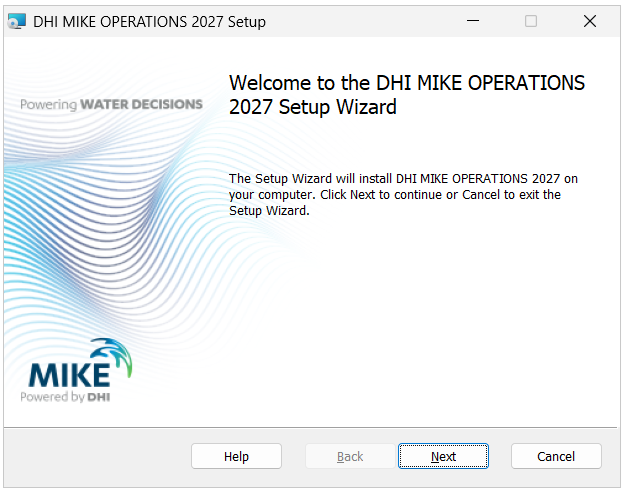
Run setup.exe as administrator and complete the installation as described in the Installation Guide, selecting the components you need.
Warning
Do not run the MIKE OPERATIONS 2027.msi file.
Complete the wizard and finish the installation as normal.
2. Run the installer again to enable MIKE Workflows
Once MIKE OPERATIONS is installed, run setup.exe a second time.
Select Components
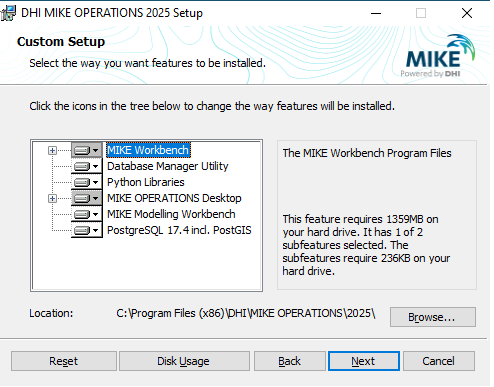
On the Select Components page, also select MIKE Workflows, in addition to the components already installed.
Click Next and go through the remaining wizard steps as before.
Install
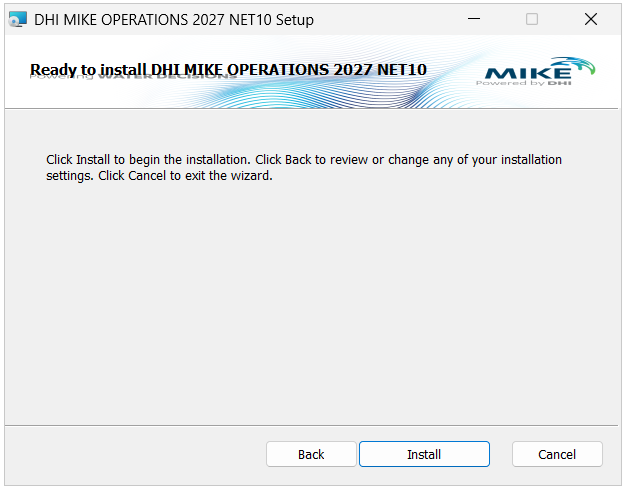
Click Install to apply the change.
This will install will MIKE OPERATIONS in C:\Program Files (x86)\DHI\MIKE OPERATIONS\2027\bin.
Finish Installation
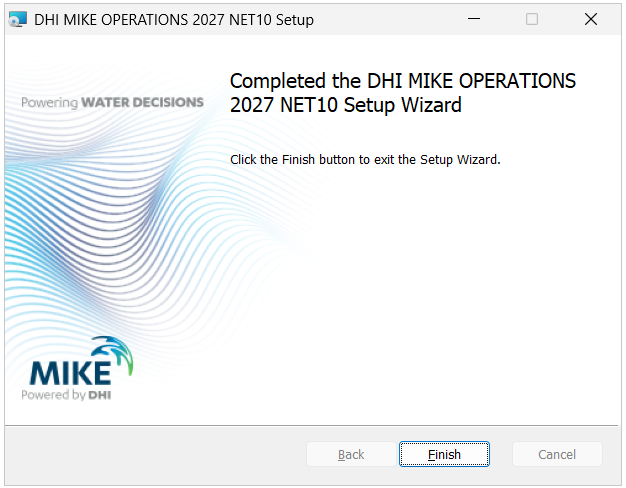
Click Finish.
MIKE Workflows is now enabled. See the MIKE Workflows section for how to use it.