Status Board
Status Board
An overview for the admin user on which jobs are running in the underlying database and what is their status. This view also allows to visualize spreadsheet information stored in the database and to subscribe to RSS feeds of threshold exceedances of different forecasts configured in the web UI.
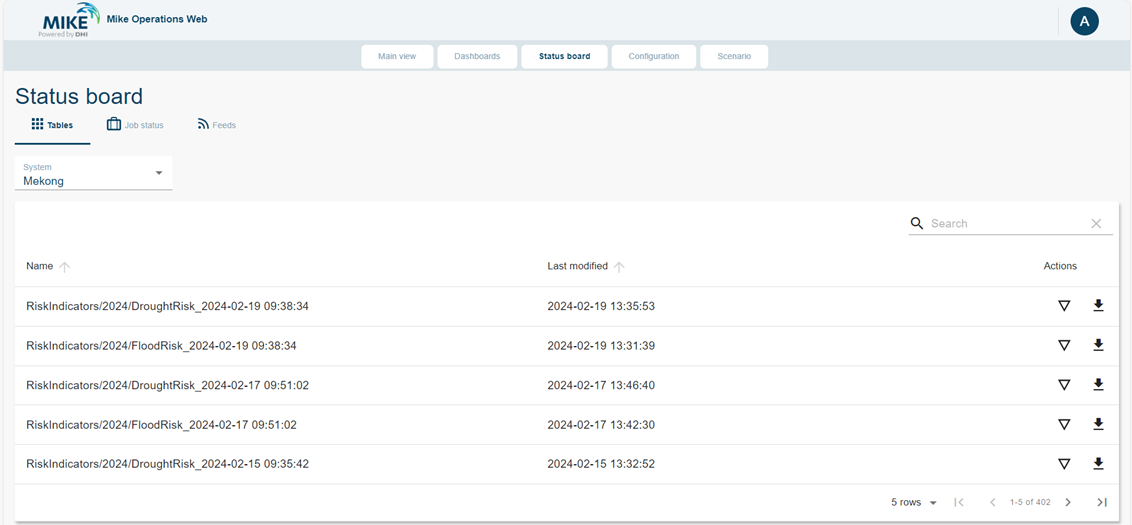
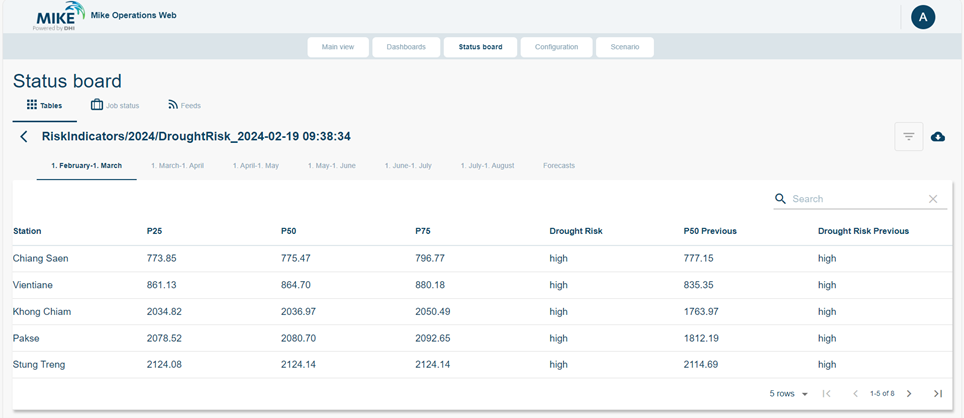
On the first tab of the Status Board, user can find the Tables. This section allows user to visualize the spreadsheet stored in the database, with the information of the last modified time. For each spreadsheet, user can expand to see the detail on the web UI. In the detail view, visualization controls are available: view sheets, search bar, rows setting, and sorting.
User can also opt to download the spreadsheet in excel format by clicking the download button.
On the second tab of the Status Board, user can access the Job Status. This section allows user to view which jobs are running in the database, as well as the job status.
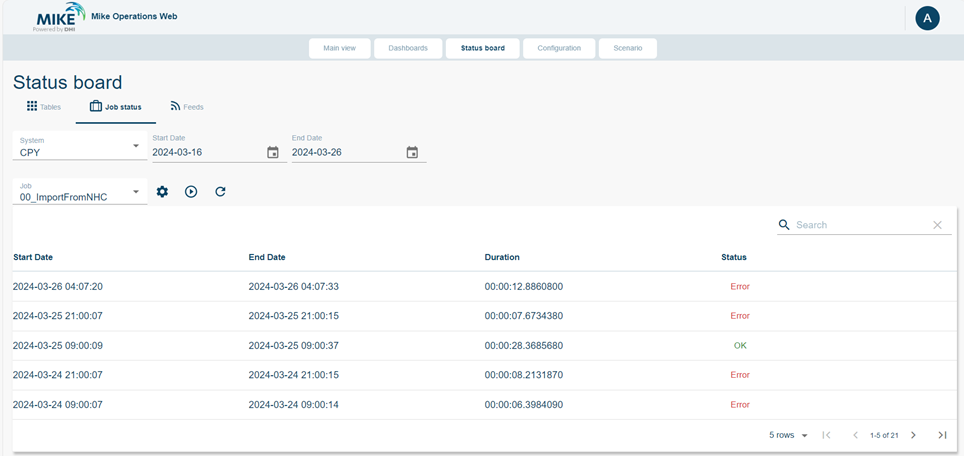
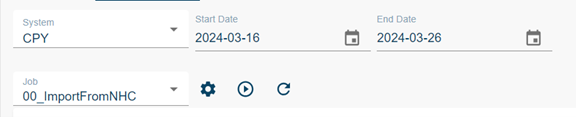
After selecting the related system, user can set the date range to view the list of jobs and their status. On the Job dropdown, user can select the job that they would like to view from the database. The setting button allows user to see the job properties should there be any. The “Start” button allows user to run the job from the web UI.
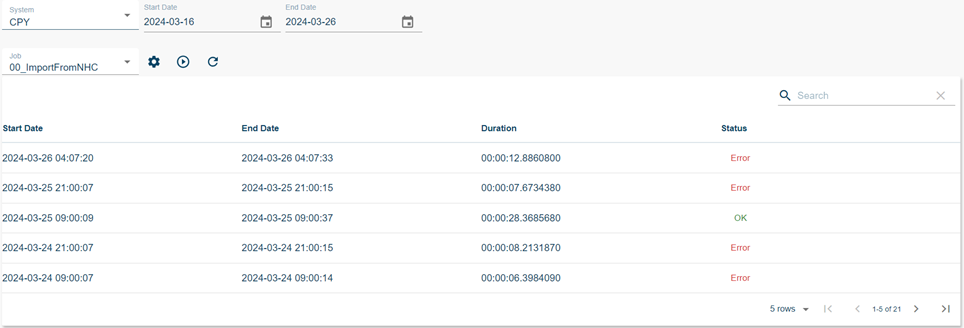
After selecting the job, the user will see list of the executions of the job, with their start date, end date, and the duration of the run. Each item will show the status of the job in the particular run. An error status will show if there is any error during the running of the job.
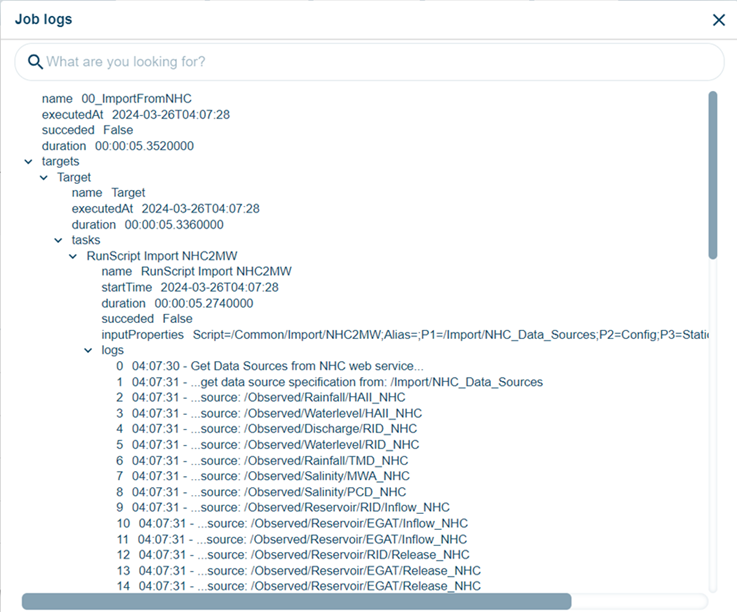
The status of the job can be selected to show the job logs.
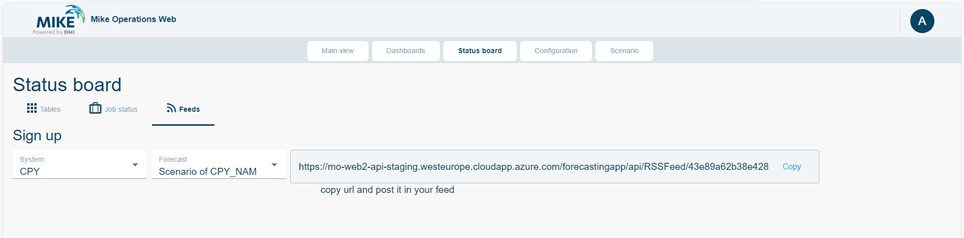
On the third tab of the Status Board is the RSS Feeds. This section allows user to subscribe to RSS feeds of threshold exceedances of different forecasts configured in the system.